Reports
What does AgencyFlo's reports do?
Why your agency needs reports. Every time entry and project in one view.
Every time entry, every project, in one view
Slice time by project, client, person, week, or service line. The reports we wished we had when running our own 15-person studio, built straight onto the live data, so the numbers are the same ones the team is logging right now.
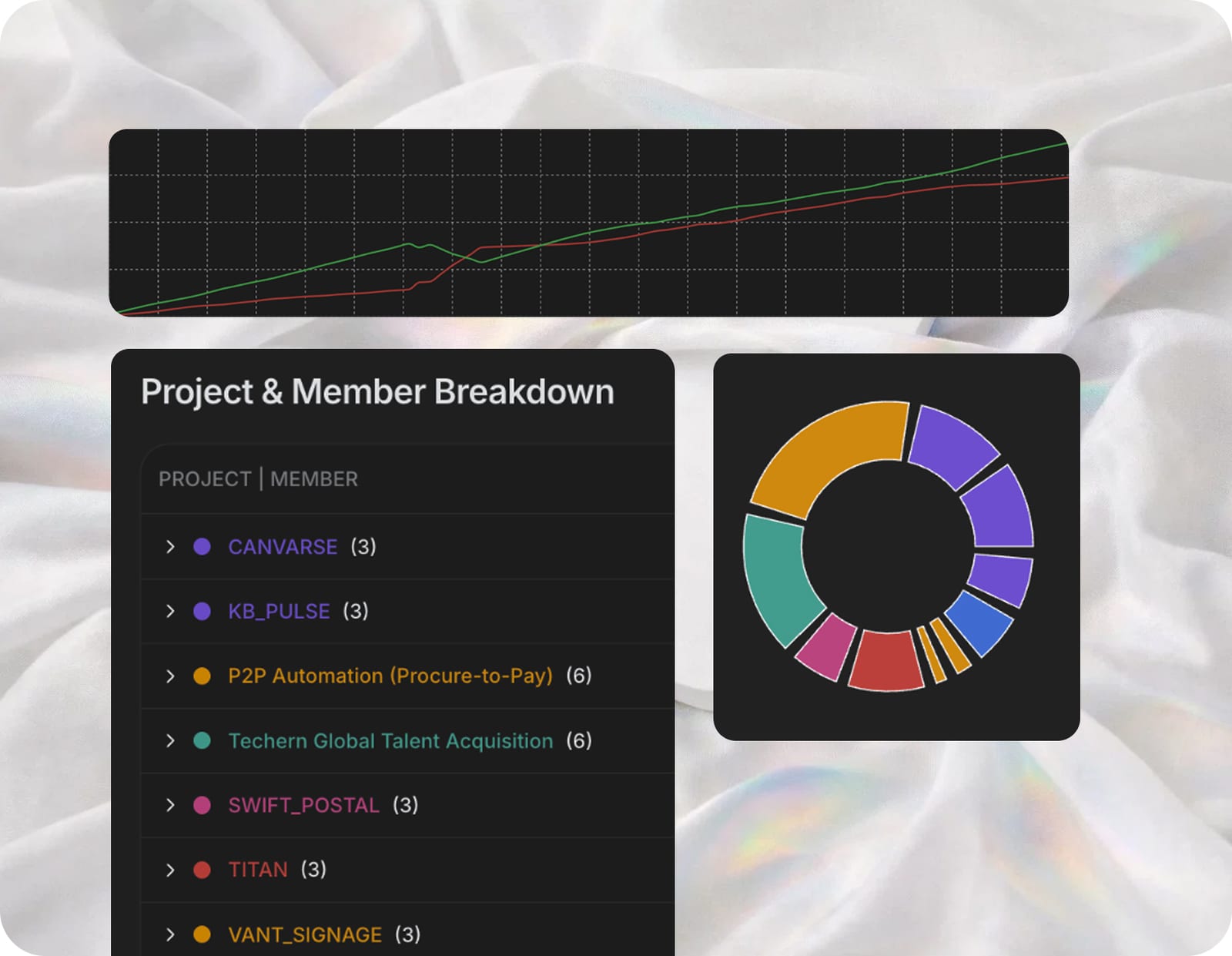
Margin and utilisation, not just hours
Reports aren't just a timesheet export. Every cell joins time against rate × cost, so you see effective hourly rate, margin per project, and utilisation per person without a separate spreadsheet doing the maths.
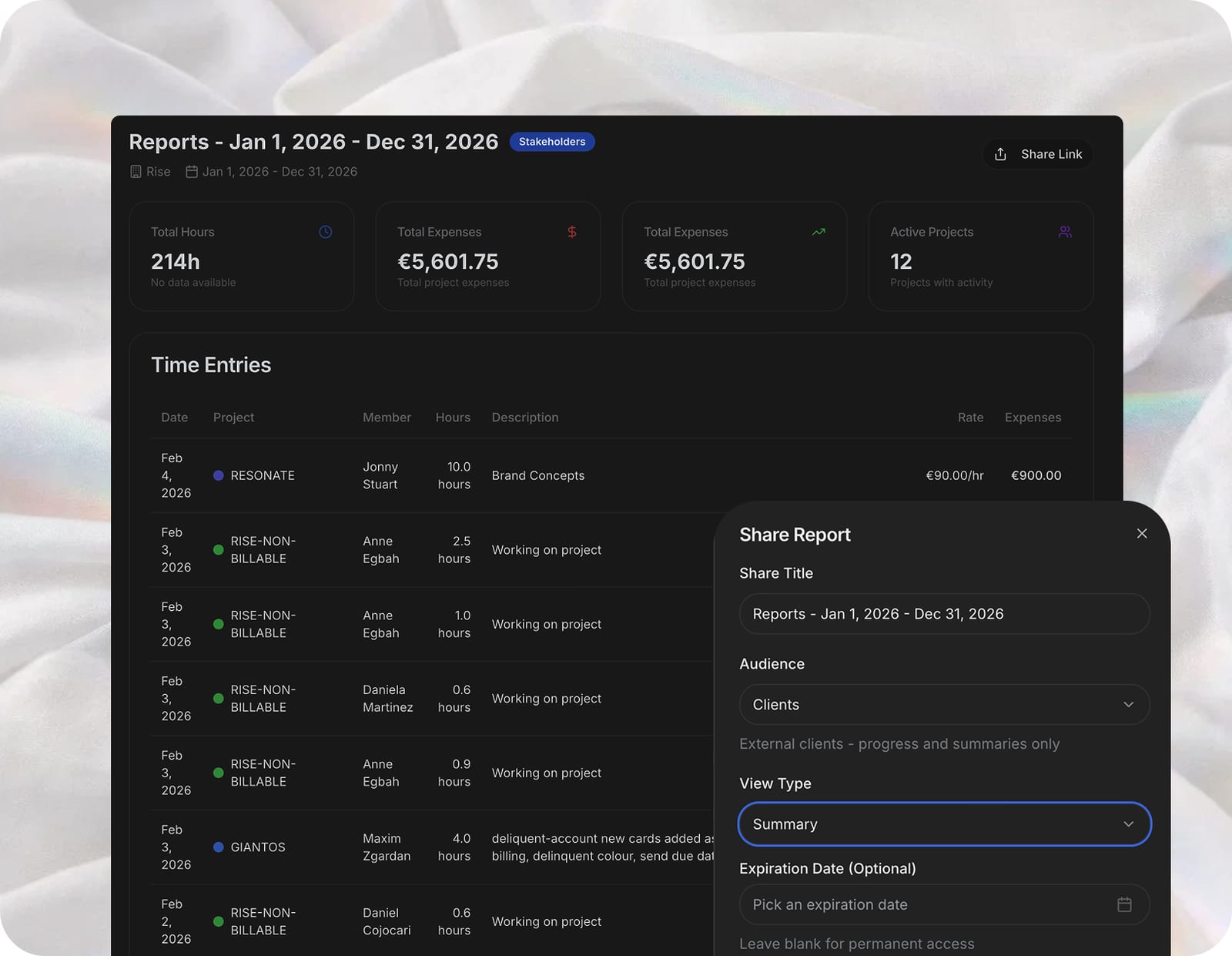
Built for the questions agency owners actually ask
Which clients are quietly losing us money? Who's over-utilised this month? Are retainers running over scope? The standard report set answers each of those in a click, and custom views save the ones you'll ask again next month.
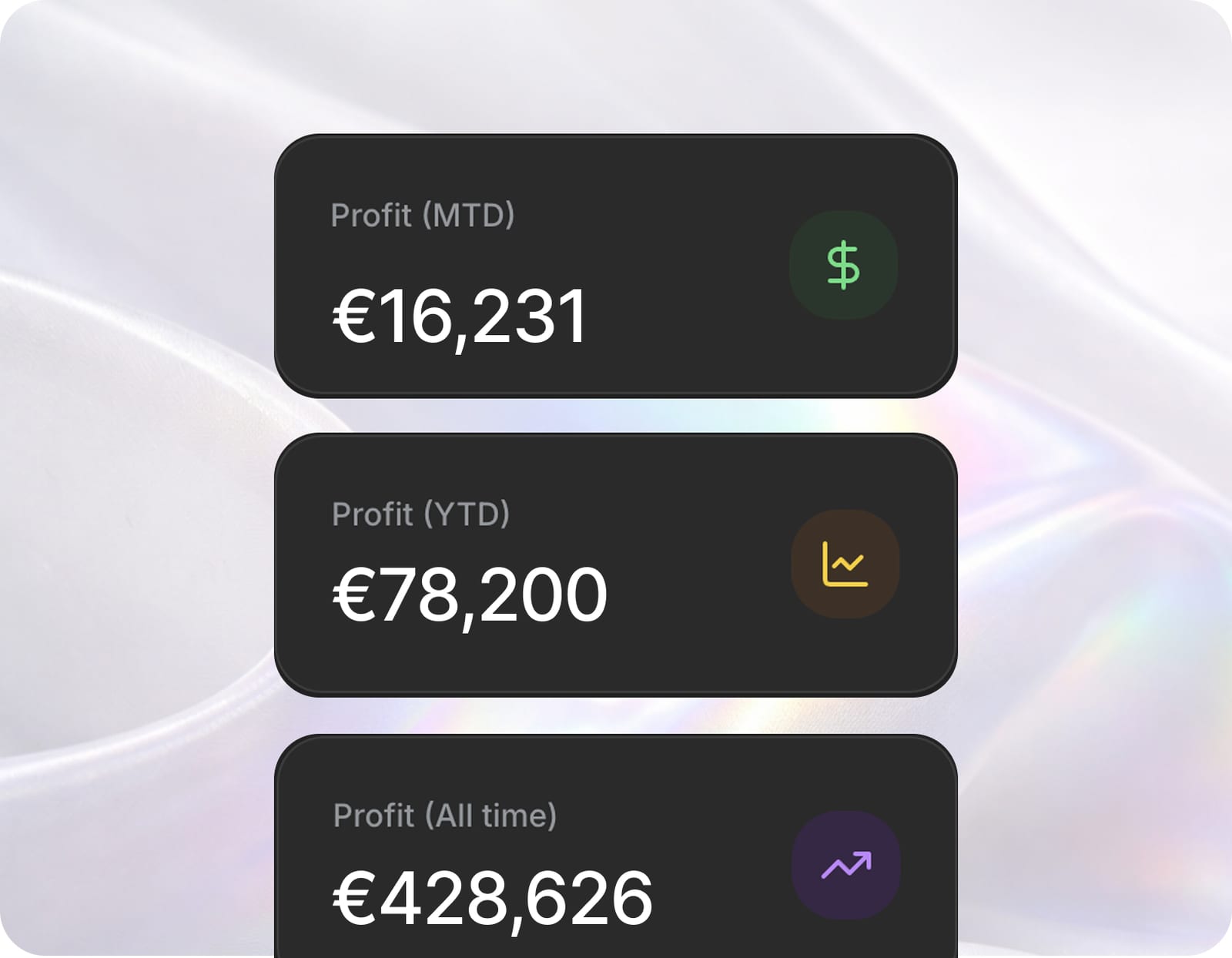
Why a spreadsheet export is wrong by lunchtime
Export the numbers to a spreadsheet and you've frozen them. The moment someone logs more time, the sheet disagrees with reality. A second source of truth starts competing with the first. Formulas rot. Tabs multiply. Reports in AgencyFlo are live, so the view you open this morning reflects the entry logged five minutes ago.
Every entry, sliced any way
Time, margin, utilisation, profitability, lifetime value and pipeline all report off the live agency graph, so the numbers are today's. Filter by client, project, person, service line or date range to answer a specific question. Effective hourly rate per project shows which engagements held the rate the proposal promised and which slipped below cost. These are the reports we wished we had when we ran our own studio.
Saved views for the regular reviews
Any combination of filters saves as a named view, so the slices a studio returns to sit one click away: the Monday utilisation check, the monthly margin scan, the retainer overage review. Saved views carry across sessions and can be shared with the team. The weekly ritual stops being a rebuild. It becomes a glance.
Frequently asked questions
What reports does AgencyFlo include?+
AgencyFlo includes reports on time, margin, utilisation, project profitability, client lifetime value, retainer usage and pipeline. Each report runs on the live agency graph (projects, time entries, invoices, clients) so the numbers are today's. Standard views answer the questions agency owners ask most often, and custom views save the slices a studio returns to each month.
Can I see effective hourly rate per project?+
Yes. Reports in AgencyFlo show effective hourly rate per project, calculated from total revenue divided by total hours logged, including non-billable time. Owners see which engagements are running at the rate the proposal promised and which have quietly dropped below cost. The same calculation runs across clients and service lines for a wider view.
How is this different from a spreadsheet export?+
A spreadsheet export is a frozen snapshot; the moment a team member logs more time, the numbers in the sheet are wrong. Reports in AgencyFlo are live: open one this morning and it reflects this morning's data, including the time entries logged five minutes ago. There's no export step, no formula to maintain and no second source of truth competing with the platform.
Can I report on a specific client's profitability?+
Yes. Filtering a report by client in AgencyFlo shows total revenue, total cost, margin and lifetime value for every engagement with that client. Owners can see whether a long-running relationship is still profitable or has drifted into low-margin territory, and which service lines work best for that account. The data updates the moment new time or invoices land.
Can I save custom report views?+
Yes. Any combination of filters (client, project, person, date range, service line) in AgencyFlo saves as a named view, so the slices a studio returns to (Monday utilisation review, monthly margin scan, retainer overage check) sit one click away. Saved views carry across sessions and can be shared with the wider team for the regular reviews.

Operate and grow your agency, the right way.
The only tool your agency needs to run faster with less and make more money.