Agencyflo vs PandaDoc
What's the difference between AgencyFlo and PandaDoc?
AgencyFlo vs PandaDoc: a documents tool, or documents inside the loop.
Hello, reader. AgencyFlo wrote this, so yes, we are biased. We still try to keep it impartial, accurate and useful. If something reads as unfair, tell us.
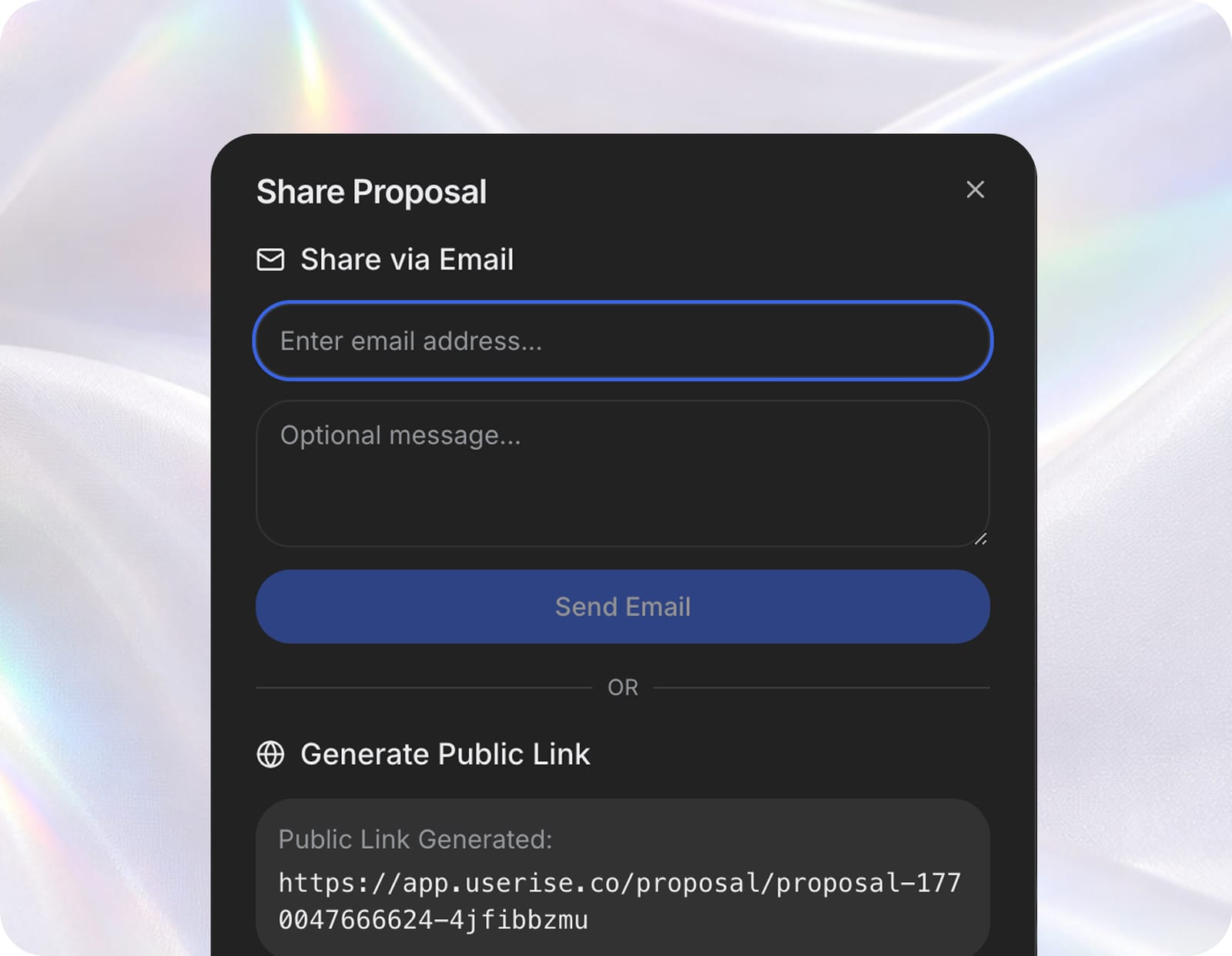
Intro
What PandaDoc does well
Best-in-class document creation
PandaDoc's editor, templates and content library make polished proposals and contracts fast. For teams that send a lot of documents, the authoring experience is excellent.
Mature e-signature and tracking
Advanced e-sign, approval workflows and document analytics (opens, time on page) are core strengths. For a pure document process, that depth is real.
Focused and reliable
PandaDoc does documents and does them well, with strong integrations. As a dedicated proposal-and-contract tool, it is a safe, capable choice.
A documents tool vs documents inside the loop
PandaDoc is built for documents and does them deeply. AgencyFlo builds proposals and contracts into the operating loop. Here is the honest split.
The structural gap
Documents stop at the signature
PandaDoc creates and signs the document. What the document describes - the project, the work, the invoice, the margin - lives in other tools. The signed scope gets re-entered downstream, which is where detail slips.
No view of the work or its margin
PandaDoc has no projects, time, clients pipeline or profitability. It cannot tell you whether the proposal you sent turned into a profitable project. AgencyFlo carries the proposal all the way to paid and margin.
When PandaDoc wins
Documents are a big part of your work
If you send high volumes of complex proposals and contracts and want the deepest authoring, e-sign and analytics, PandaDoc is more specialised than AgencyFlo and may be worth keeping.
You need advanced e-sign workflows
For multi-party approvals, advanced signing rules and document-level analytics, PandaDoc's depth is ahead. If that is central, keep it.
When Agencyflo wins
You want proposals that become projects
In AgencyFlo an accepted proposal turns into a live project with scope, team and rates intact, then flows to time, invoicing and margin. Nothing is re-keyed after the signature.
You want documents on the same record as the work
Proposals and contracts in AgencyFlo sit with the client, the project and the invoice. You see not just that a document was signed, but whether the work it described made money.
Verdict
- Keep using PandaDoc if
- Documents are a core part of your business and you want the deepest editor, e-signature and analytics. PandaDoc is more specialised than AgencyFlo's document tools. For heavy document workflows, that depth matters.
- Use Agencyflo with PandaDoc if
- You want proposals and contracts tied to the work - becoming live projects that flow to time, invoicing and margin. AgencyFlo has proposals and contracts built in, so most teams fold PandaDoc in rather than run both - though you can keep PandaDoc for heavy document work if you prefer.
- The difference
- PandaDoc is the deeper documents tool. AgencyFlo builds proposals and contracts into the operating loop, so a signed document becomes a running, measurable project. The choice is document depth versus a connected loop.
Keep PandaDoc, connect the loop
Love PandaDoc for documents? Keep it and run the rest of the agency in AgencyFlo.
- 01Keep creating and signing documents in PandaDoc as you do today.
- 02Set up clients, projects and invoicing in AgencyFlo.
- 03When a PandaDoc proposal is signed, create the matching project in AgencyFlo.
- 04Run time, delivery, invoicing and margin from AgencyFlo so the work is measured.
Or fold proposals and contracts in
Ready to consolidate? Move proposals and contracts into AgencyFlo so a signed document becomes a live project.
- 01Export your PandaDoc templates and signed documents for your records.
- 02Rebuild your core proposal and contract templates in AgencyFlo.
- 03Send new proposals from AgencyFlo, where acceptance opens the project automatically.
- 04Run delivery, invoicing and margin on the same record.
- 05Wind down PandaDoc once your document flow runs in AgencyFlo.
Additional features on Agencyflo
Agencyflo ships the features below natively. With PandaDoc you'd typically bolt on a separate tool for each, or do without.
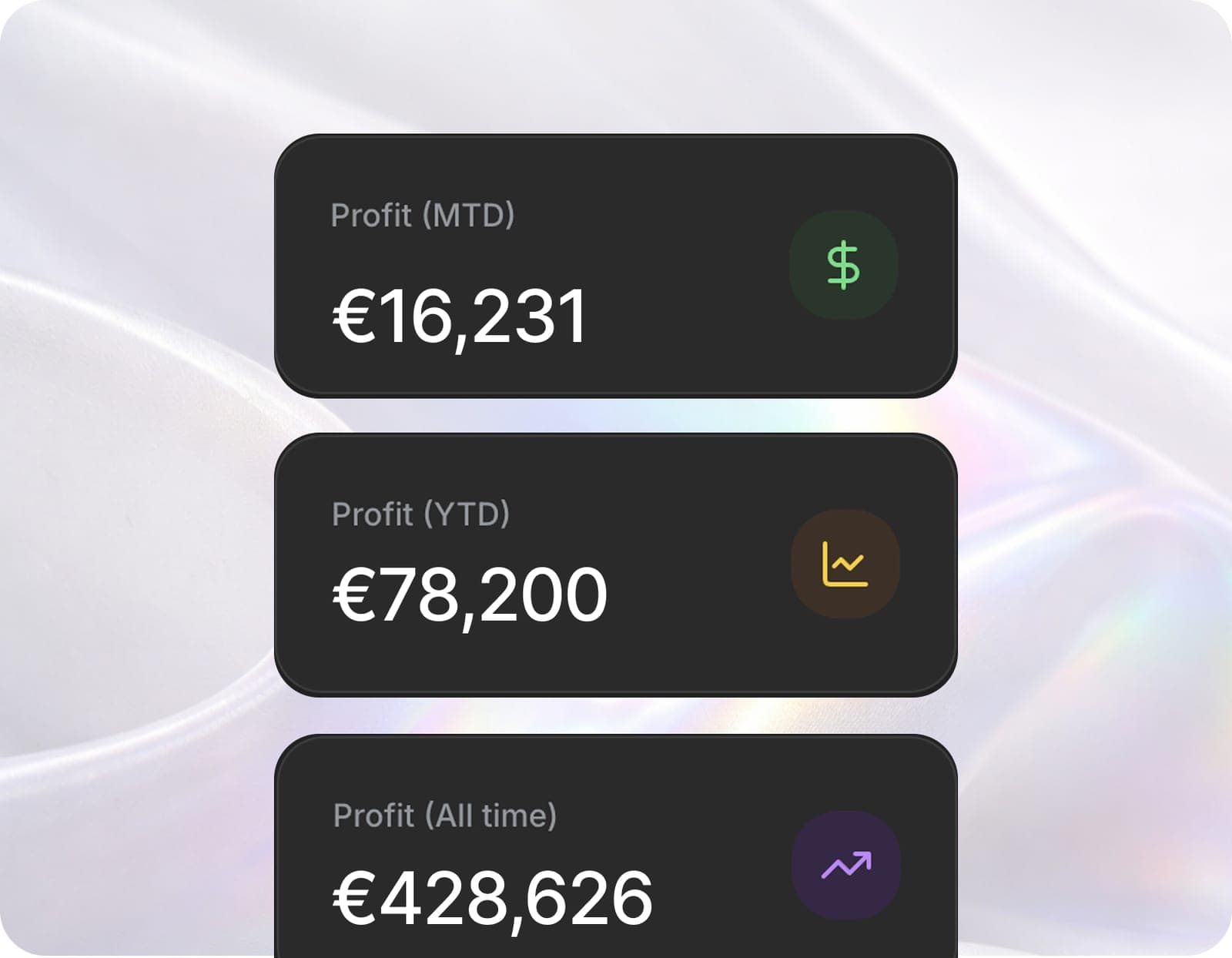 DashboardReal-time profitability across every project.
 Projects + tasksList, Kanban, Gantt and calendar on the same data.
 Time trackingTime that feeds straight into profitability.
 CRMA CRM that turns client calls into pipeline.
 InvoicesInvoices that close the loop to your P&L.
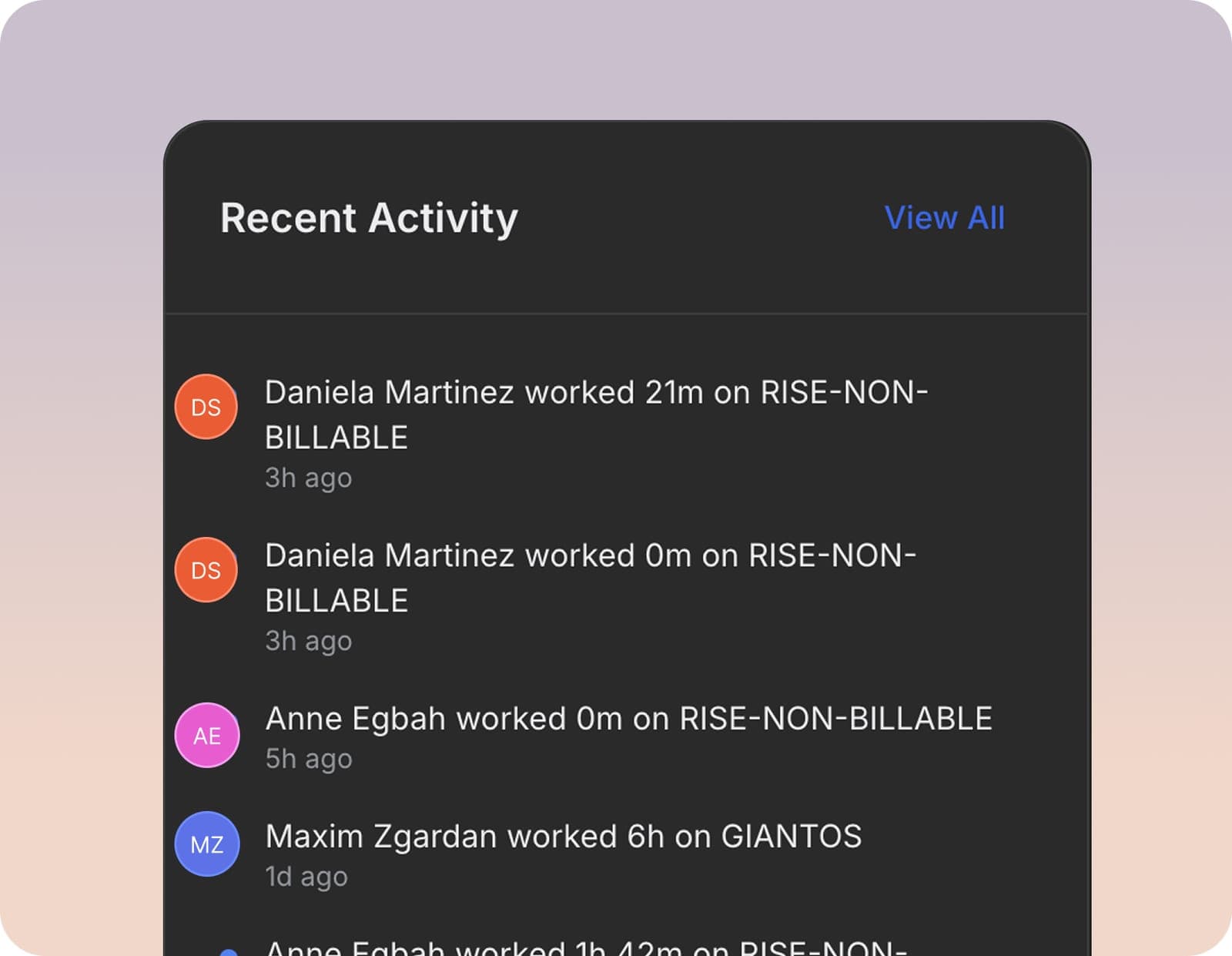 White-labelYour brand, in front of your clients.
 Meeting intelligenceBranded calls that log themselves and do the follow-up.
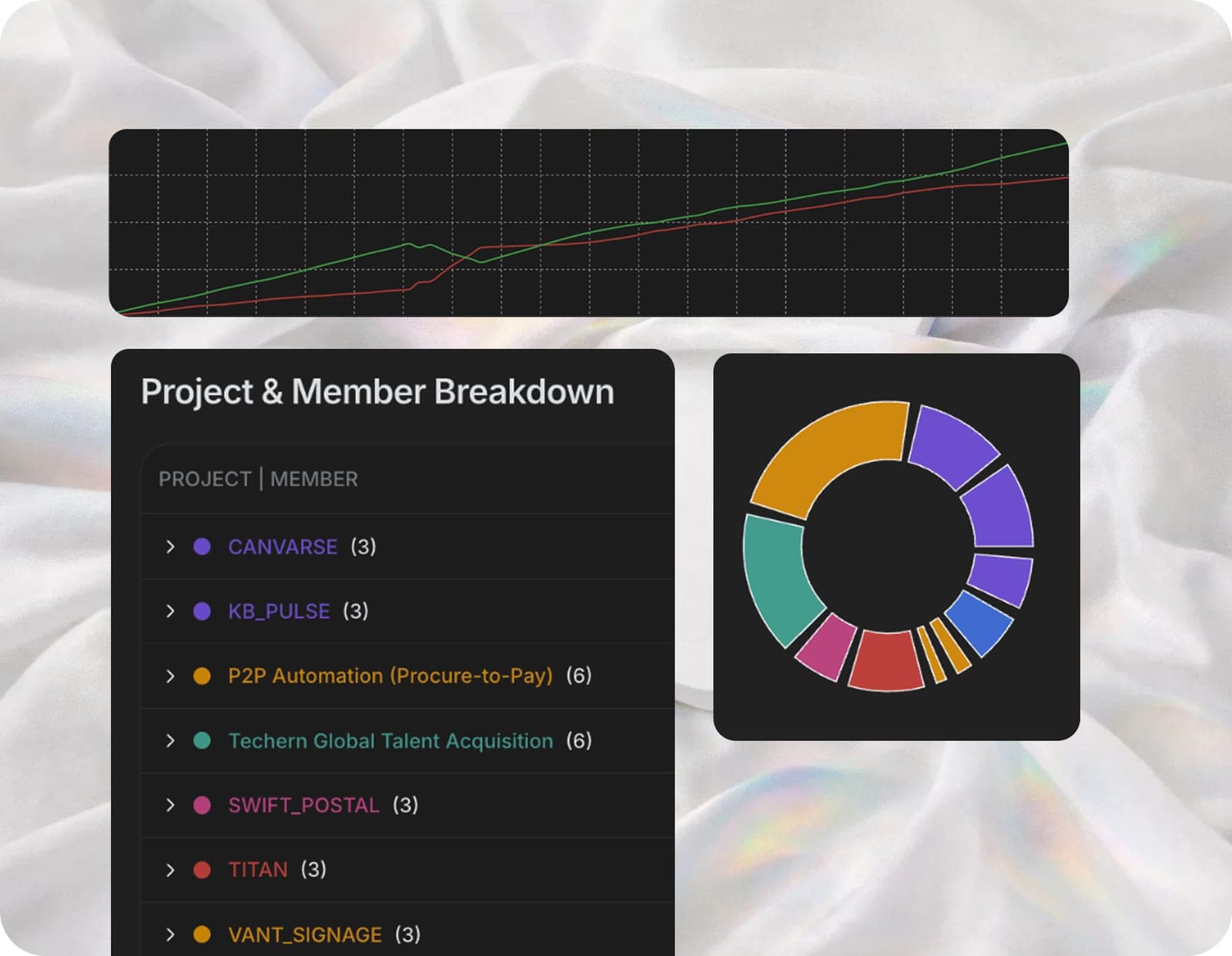 Client reportsPolished reports your clients actually read.
FAQ
Does AgencyFlo replace PandaDoc?+
It can for many agencies. AgencyFlo has proposals, contracts and e-sign built in. An accepted proposal becomes a live project. Teams that send high volumes of complex documents sometimes keep PandaDoc for its deeper editor and e-sign, then use AgencyFlo for everything around the document.
Is AgencyFlo's document editor as good as PandaDoc's?+
PandaDoc's is more specialised - a deeper editor, content library and advanced e-sign. AgencyFlo's proposals and contracts are solid and agency-focused. Their advantage is what happens after signing: the document becomes a live, billable project.
What does AgencyFlo add over PandaDoc?+
The whole loop around the document: clients, projects, time, invoicing and real-time margin. PandaDoc stops at the signed document. AgencyFlo carries it through to a profitable (or unprofitable) project you can actually see.
Can I keep PandaDoc and use AgencyFlo?+
Yes. A common setup is PandaDoc for heavy document creation and AgencyFlo for delivery and margin. When a PandaDoc document is signed, open the project in AgencyFlo and run the work there.


Operate and grow your agency, the right way.
The only tool your agency needs to run faster with less and make more money.