Agencyflo vs Toggl
What's the difference between AgencyFlo and Toggl?
AgencyFlo vs Toggl: a time tracker, or time inside the whole loop.
Hello, reader. AgencyFlo wrote this, so yes, we are biased. We still try to keep it impartial, accurate and useful. If something reads as unfair, tell us.
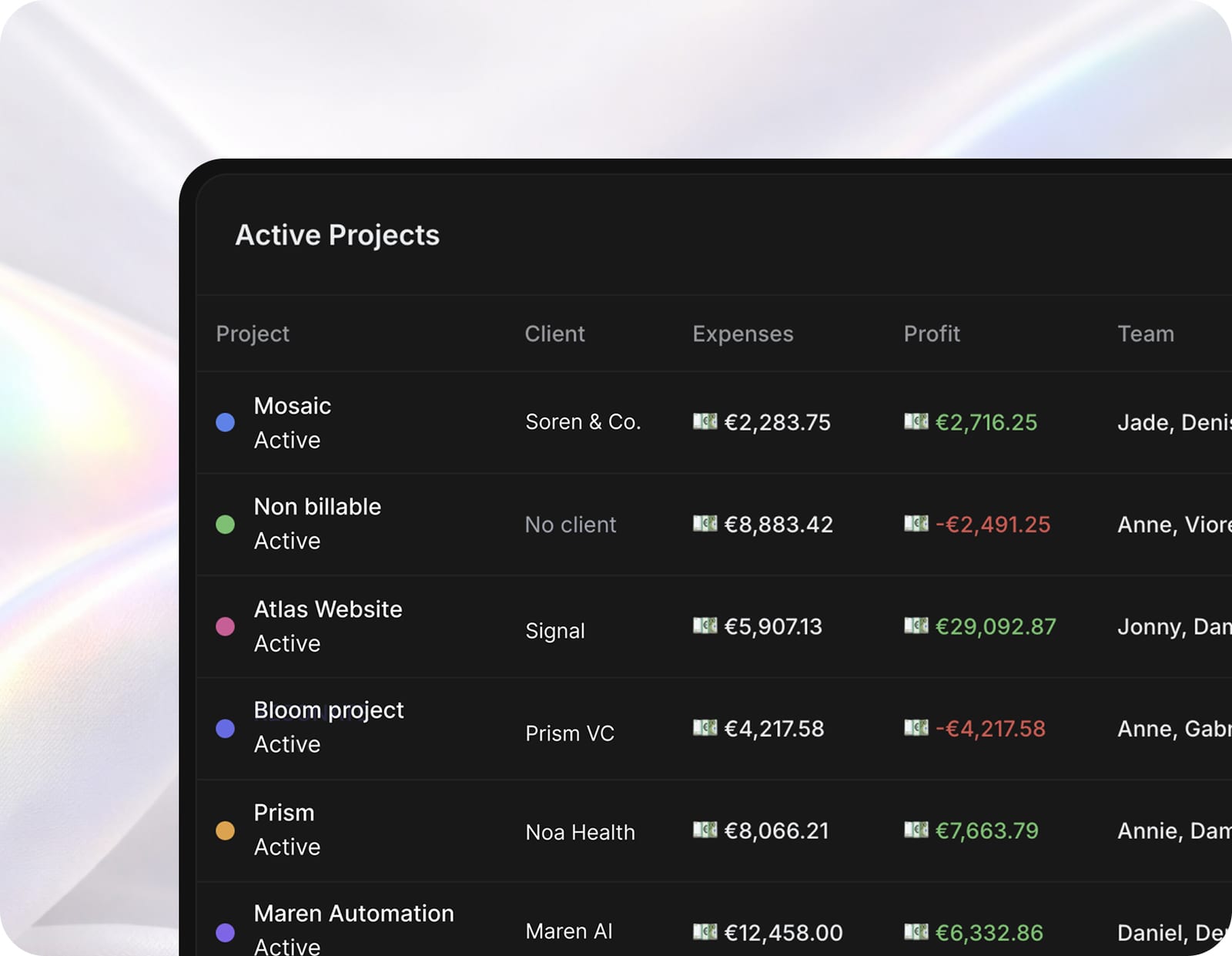
Intro
What Toggl does well
Best-in-class at the one job
Toggl Track's timer is fast, the apps are everywhere (web, desktop, mobile, browser) and starting or stopping a timer is effortless. For pure time capture, little beats it.
Genuinely strong reporting
Toggl turns tracked time into clean, filterable reports by client, project or person, exportable to PDF or CSV. For understanding where the hours actually go, the reporting is a real strength.
Simple, private and low-friction
No bloat, no forced process, respectful of privacy. Teams adopt it because it gets out of the way, which is the hardest thing for a time tool to do.
The structural gap
A time tracker only sees hours
Toggl knows how long things took. It does not know the contract value, the budget, the proposal or the invoice, so it cannot tell you whether a project actually made money. That answer needs the hours sitting next to the rate, the budget and the bill - which is exactly what a standalone tracker does not have.
The hours live away from the work
In a Toggl-plus-stack setup, time is logged in one app, projects run in another and invoices go out from a third. Every export and re-key is a place the numbers drift. AgencyFlo logs the same hour against the project, the budget and the draft invoice in one step.
When Toggl wins
You only need time tracking
If your projects, CRM and invoicing already live in tools you are happy with and you just need a clean, accurate timer on top, Toggl is an excellent, focused choice. Not every agency needs to consolidate.
You want the lightest possible tool
Toggl's whole appeal is doing one thing with almost no overhead. If adoption is your worry and the team will track time in Toggl but resist a bigger system, the tool people actually use wins.
When Agencyflo wins
You want hours to mean margin
In AgencyFlo a logged hour updates the project budget, the client's spend and live profitability at once. Time stops being a number in a separate report and becomes part of whether the work is making money.
You are tired of the export-and-reconcile loop
If you track in Toggl, run projects elsewhere and rebuild margin in a spreadsheet, AgencyFlo collapses that into one record. The same time entry plans the work and bills the work.
Verdict
- Keep using Toggl if
- Time tracking is the only gap you are filling and the rest of your stack - projects, CRM, invoicing - is settled. Toggl is a best-in-class timer. There is no need to replace a tool that is working.
- Use Agencyflo with Toggl if
- You want those hours to drive project margin, budgets and invoices automatically. AgencyFlo has time tracking built in, so most teams fold Toggl in rather than run both - though you can keep Toggl and bring the rest of the agency into AgencyFlo if you prefer.
- The difference
- Toggl is a great tool for tracking time. AgencyFlo is a system for running the agency that tracks time inside it, so the hours turn into margin without a second app.
Keep Toggl, add the loop
Happy with Toggl? Keep tracking there and bring the rest of the agency into AgencyFlo.
- 01Keep Toggl running for time capture exactly as you do today.
- 02Set up your clients, projects and contracts in AgencyFlo.
- 03Run proposals, invoicing and reporting from AgencyFlo so the commercial side is in one place.
- 04Export Toggl reports when you invoice, or move time tracking into AgencyFlo when you are ready.
Or fold time tracking in
Ready to drop the extra subscription? Move time tracking into AgencyFlo so the hours feed margin directly.
- 01Export your Toggl time entries and projects via CSV.
- 02Recreate active clients and projects in AgencyFlo, or import them.
- 03Switch the team to logging time on AgencyFlo tasks, where it feeds budgets and invoices.
- 04Run a week in parallel to confirm the totals match.
- 05Cancel Toggl once the team is logging in AgencyFlo.
Additional features on Agencyflo
Agencyflo ships the features below natively. With Toggl you'd typically bolt on a separate tool for each, or do without.
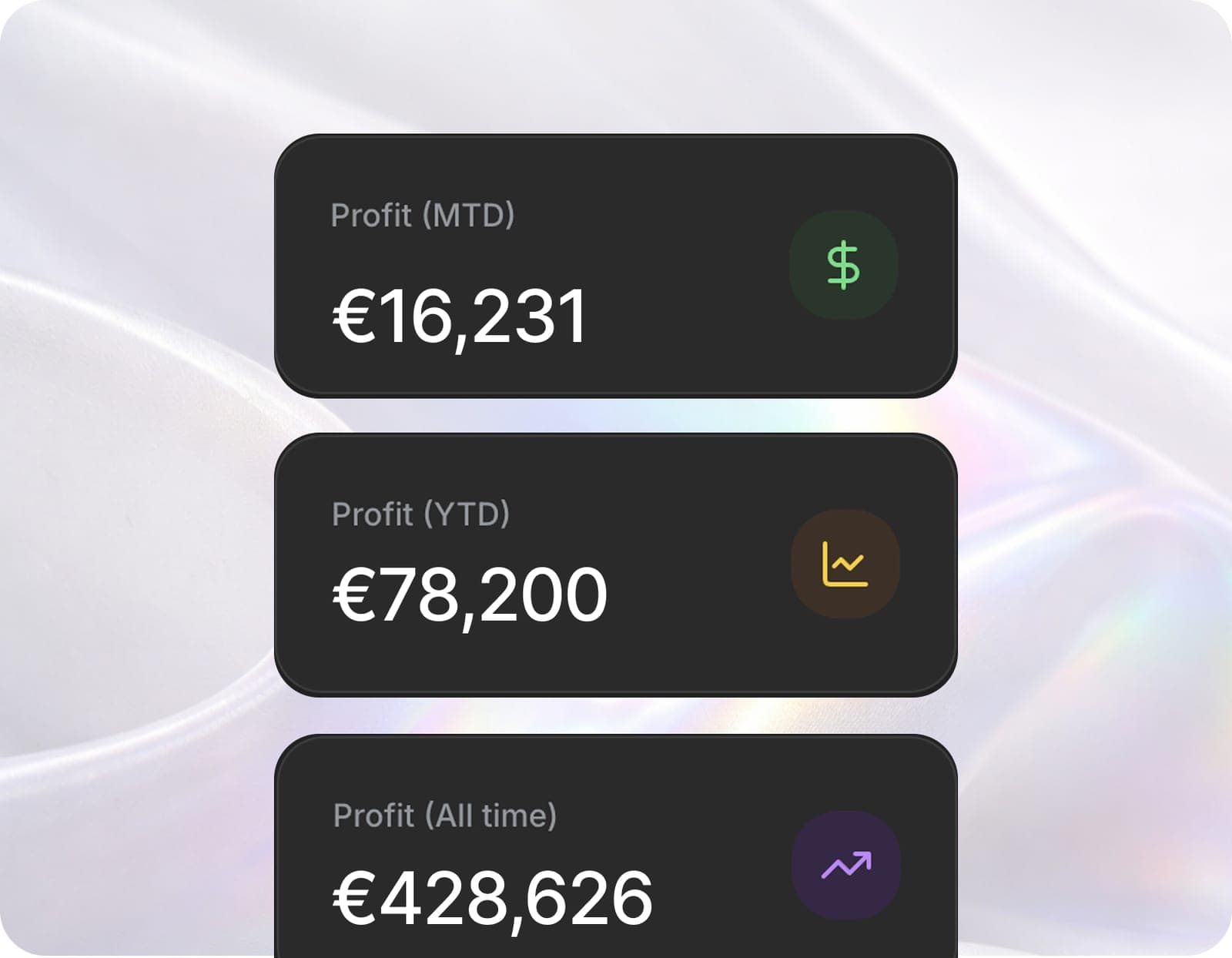 DashboardReal-time profitability across every project.
 Projects + tasksList, Kanban, Gantt and calendar on the same data.
 CRMA CRM that turns client calls into pipeline.
 ProposalsProposals that close and become projects.
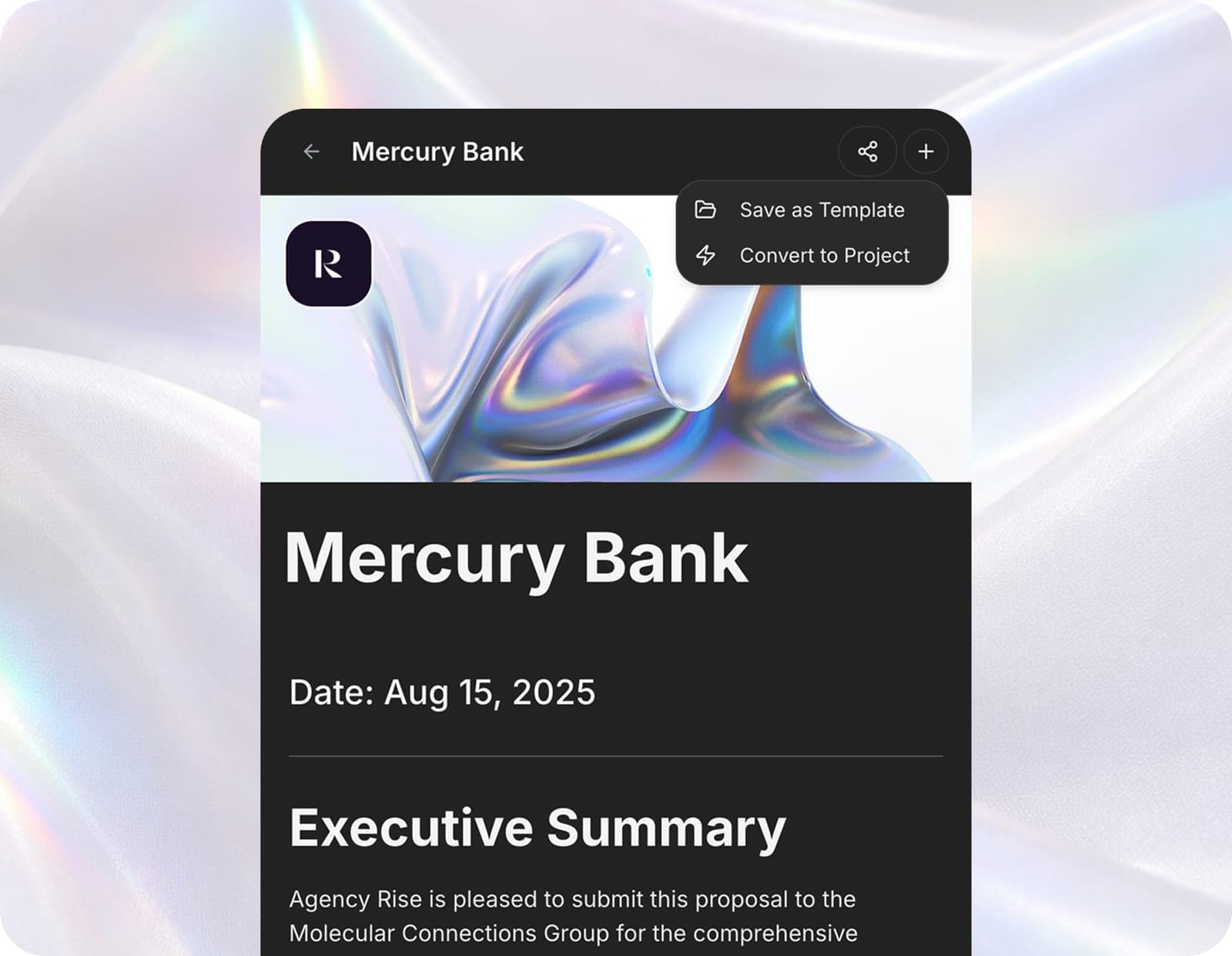 ContractsSigned contracts that live with the work.
 InvoicesInvoices that close the loop to your P&L.
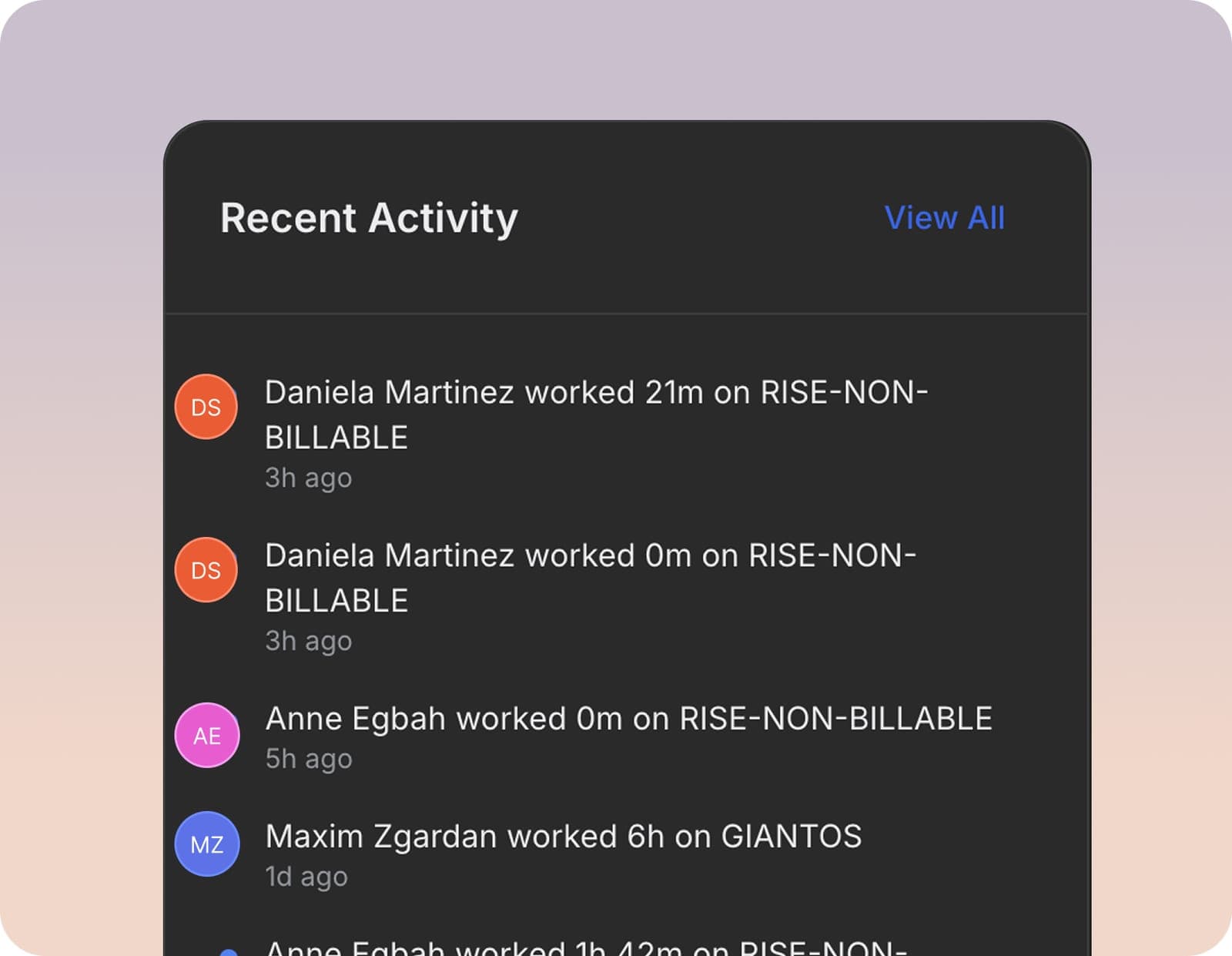 White-labelYour brand, in front of your clients.
 Meeting intelligenceBranded calls that log themselves and do the follow-up.
- AutomationsEnd-to-end agency workflows that run themselves.
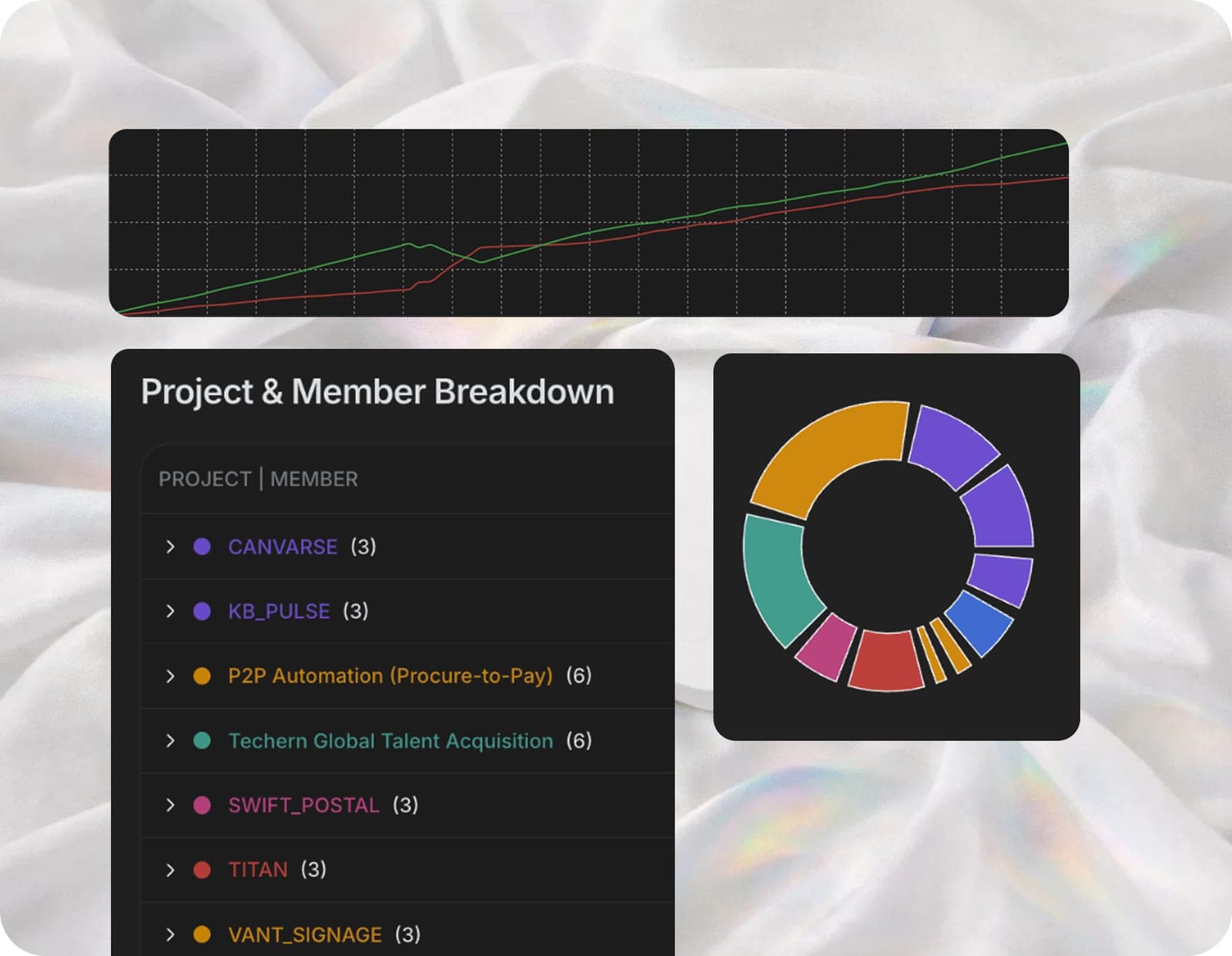 Client reportsPolished reports your clients actually read.
FAQ
Does AgencyFlo replace Toggl?+
It can, but it does not have to. AgencyFlo has time tracking built in, so many teams fold Toggl in and drop the subscription. Others keep Toggl for capture and use AgencyFlo for everything around it. Both work.
Is AgencyFlo's time tracking as good as Toggl's?+
For agency use it covers the core: start and stop timers, manual entry and billable flags, logged against the project. Toggl has more depth as a dedicated, cross-purpose tracker. AgencyFlo's edge is that the hour immediately updates budgets, invoices and margin.
Why track time inside the operating system?+
Because the value of an hour is decided by the rate, the budget and the invoice next to it. A standalone tracker cannot see those. Inside AgencyFlo a logged hour becomes margin, budget burn and a draft invoice line with no export step.
Can I import my Toggl history?+
Yes. Toggl exports time entries and projects to CSV, which AgencyFlo imports so your history comes across. Most teams run a short parallel period before switching Toggl off.


Operate and grow your agency, the right way.
The only tool your agency needs to run faster with less and make more money.